 ScreenshotR
Store screenshots, finished on your Mac
Capture a simulator or emulator, add a headline and a background, and export every image the App Store and Google Play ask for, at the exact size.
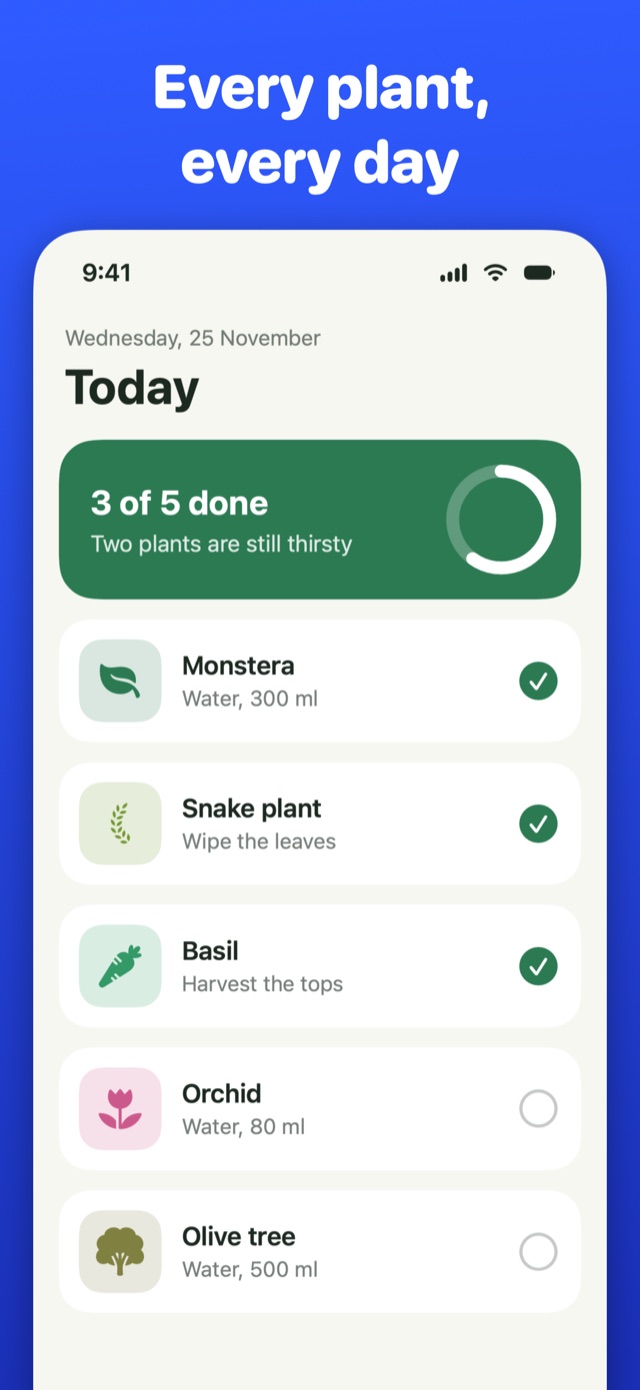
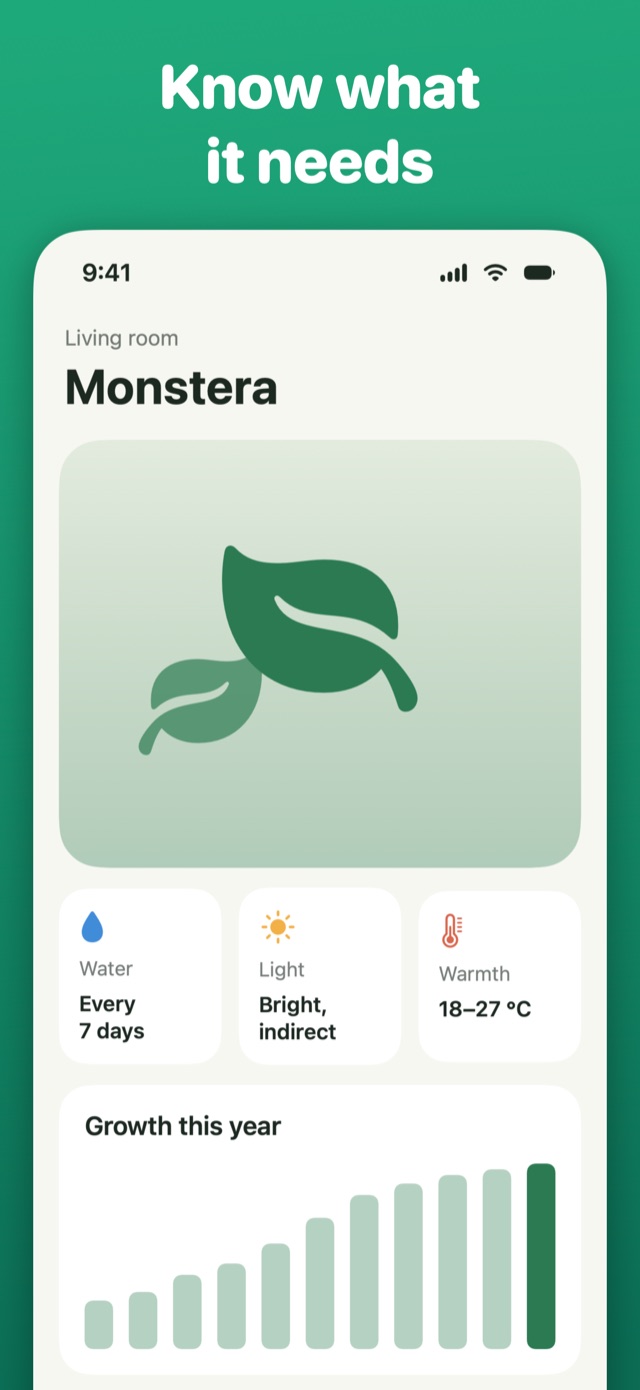
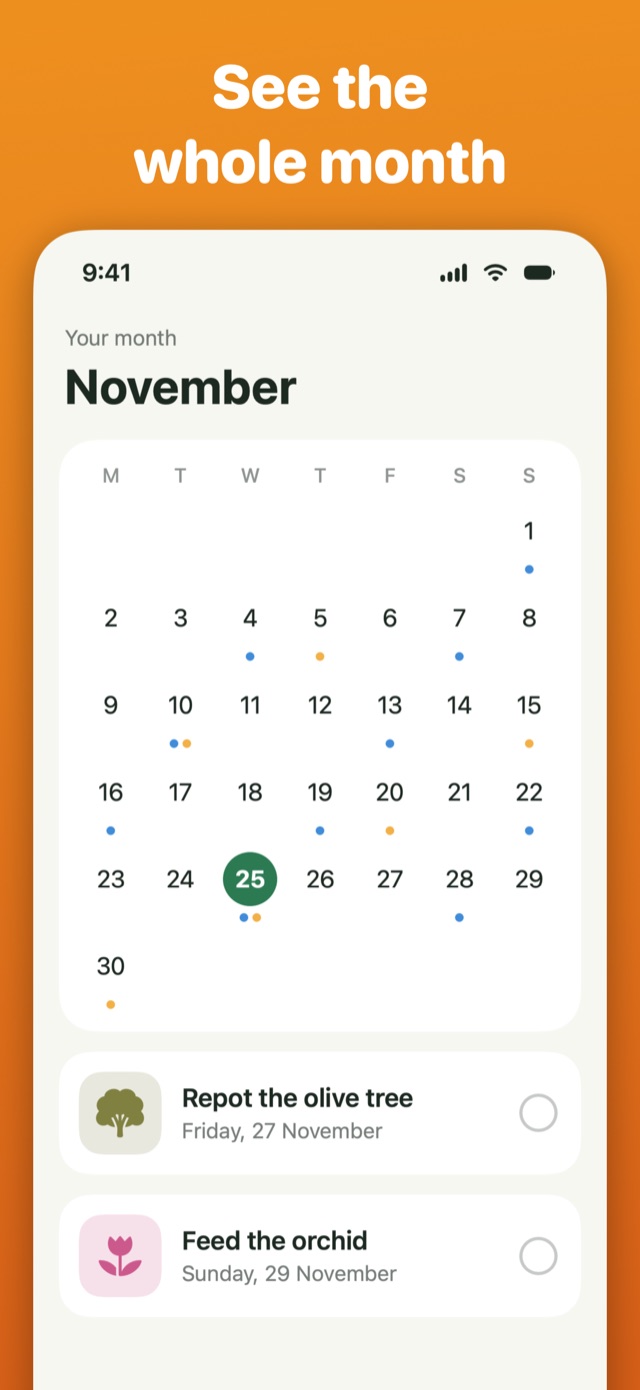
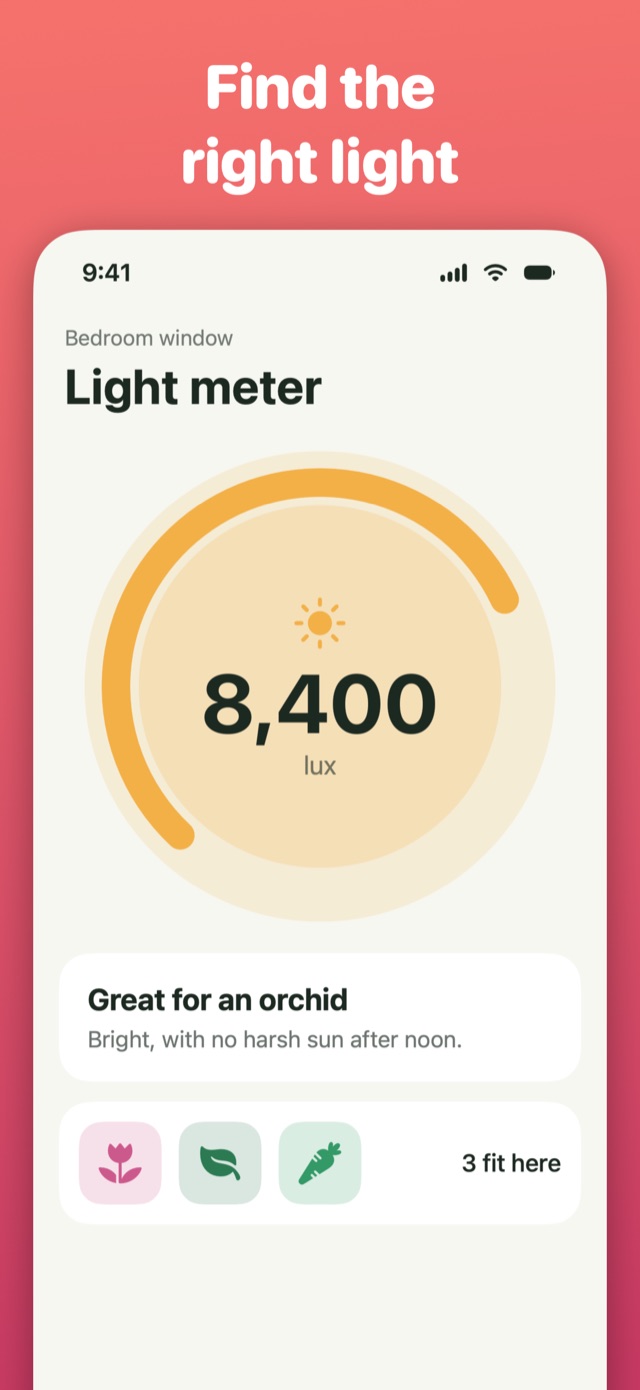
Made with ScreenshotR for a sample plant-care app.
What you see is the file you upload
The canvas is drawn at full size and scaled to fit your window, so wrapping, spacing and corners match the exported image.
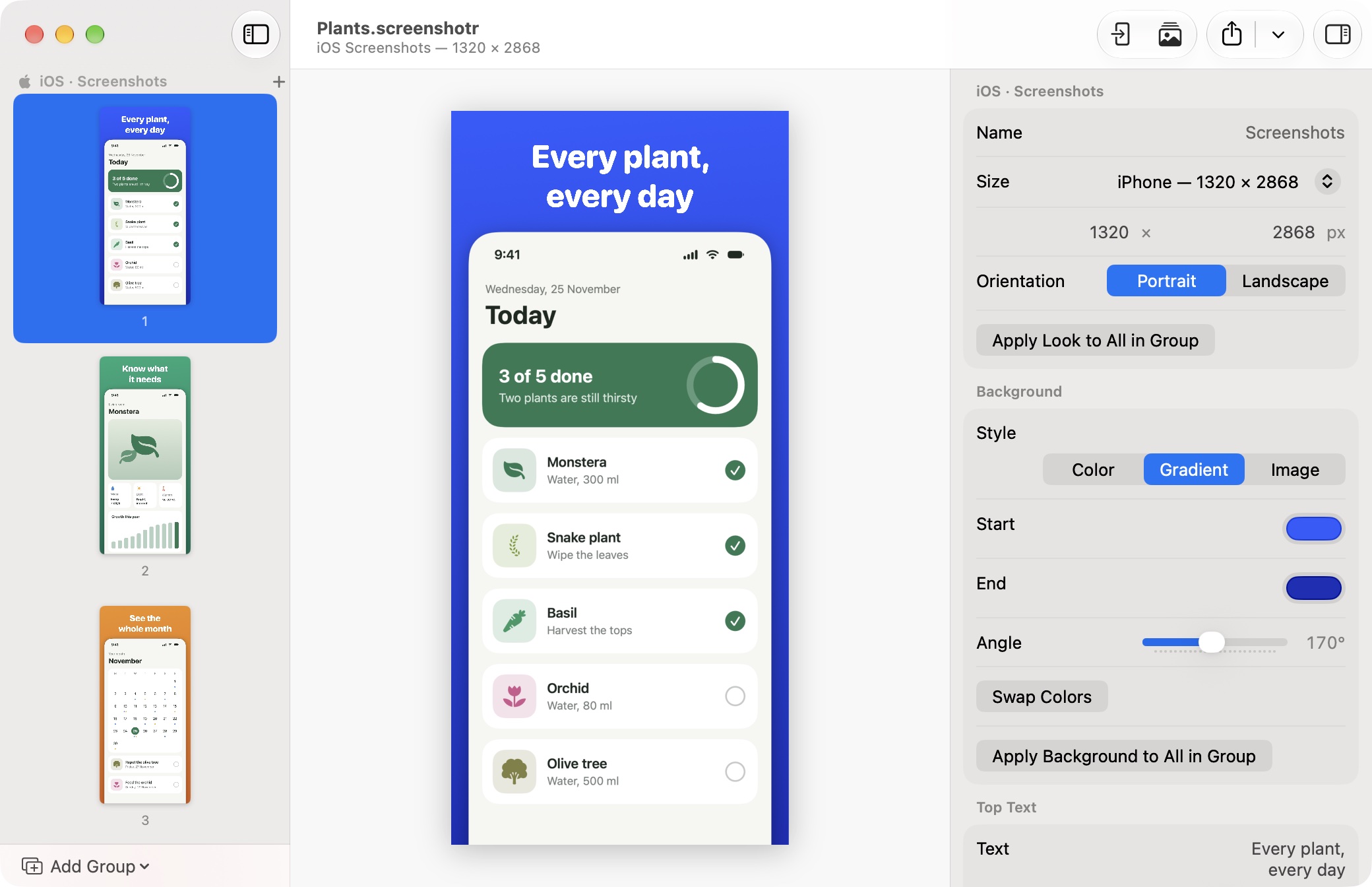
- Capture live
- See booted iOS simulators and Android emulators in the app and capture with one click, with a clean 9:41 status bar.
- Style once
- Solid, gradient or image backgrounds, two captions with their own font, color and shadow. Apply a look to the whole group.
- Export in one go
- PNG or JPG without transparency, sorted into a folder per group. Sizes that only accept PNG are always PNG.
- Keep your files
- Every app is a project file on your Mac or in iCloud Drive. You don't need an account to design.
The sizes, already filled in
Pick one from a list. Your text and spacing follow the canvas. Need something else? Type any size up to 8000 px.
App Store
- iPhone
- 1320 × 2868 1290 × 2796 1260 × 2736
- iPhone Duo
- 2007 × 2853 1398 × 2034
- iPad
- 2064 × 2752 2048 × 2732 1668 × 2388
- Product page header
- 3840 × 1646 5244 × 2950
- Search results
- 3840 × 2560 1920 × 1280 5244 × 2950
Google Play
- Phone
- 1080 × 1920 1440 × 2560
- 7-inch tablet
- 1200 × 1920
- 10-inch tablet
- 1600 × 2560
- Feature graphic
- 1024 × 500
Mac App Store
- Mac
- 2880 × 1800 2560 × 1600 1440 × 900 1280 × 800
Or ask for the whole set
ScreenshotR includes an MCP server. Claude Code, Claude Desktop, Cursor and other MCP clients can capture screens, write headlines, look at their own previews and export. Everything they make opens in the app, so you have the last word.
“Make App Store and Google Play screenshots for my app. It's open in the simulator. Short headlines, one bright color per screen, and export everything to my desktop.”
The assistant can't tap in the simulator through ScreenshotR. You open each screen, or another tool does.
Connect Claude Code in Terminal
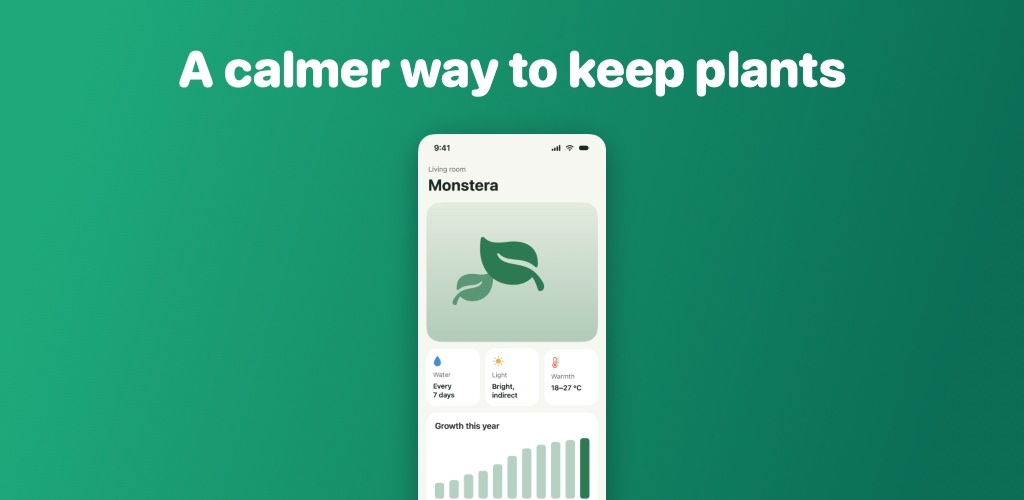
The example images on this page, this one included, were made through the MCP server.
Design for free. Pay for the assistant.
Free
$0
- All design tools and every store size
- Live capture and unlimited exports, no watermark
- A trial of the MCP server: 20 screens
ScreenshotR Pro
$15 once, plus tax where it applies
- Everything in Free
- The MCP server without the 20-screen limit
- One license for up to 3 Macs
Questions
Do my screenshots leave my Mac?
Not when you design by hand: ScreenshotR doesn't upload them, and it has no analytics. When you use an AI assistant, the previews and captures it looks at go to that assistant's provider, under its terms.
What do I need for live capture?
Xcode for iOS simulators, and the Android SDK with its emulator for Android. Without them you can still drag in image files.
Does Pro need the internet?
To activate a key, yes. After that ScreenshotR checks the license every few days and keeps working for up to 30 days without a connection.
How do I move Pro to another Mac?
Remove a Mac in ScreenshotR or in your account on this site, then enter your key on the new one.
I lost my license key.
Sign in to your account with the email you bought it with. We send a link, so there is no password to remember.